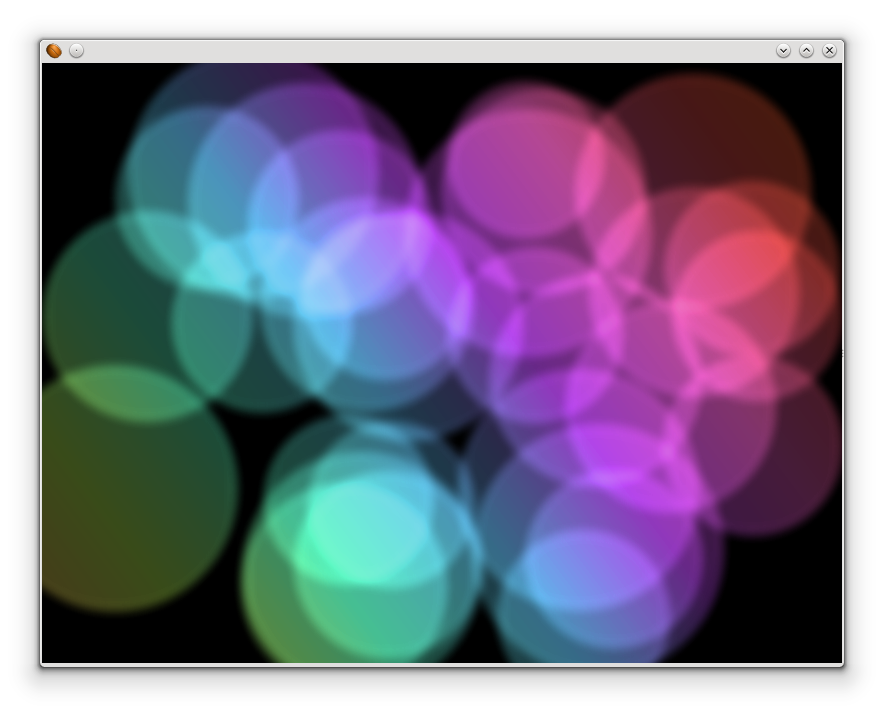

要说 JavaFX 跟 Swing 外观上最大的改变就是 JavaFX 多了动画(Animation)的支持。JavaFX 的动画加入了「关键影格(Key Frame)」的概念,因此要同时控制多个不同的组件进行动画,可以轻易地做到!
关键影格
关键影格就是在一条影格时间轴上,可以直接被清楚定义出目前状态的影格。举个例子「物体 0 秒的时候是在 A 的位置,5 秒的时候是在 B 的位置」,这就是关键影格的描述,我们可以很清楚的讲出哪个物体在什么时间的状态是什么。使用关键影格,可以很容易地产生出动画,用刚才的例子,我们虽然并不清楚物体从开始移动到结束移动的过程,无法直接讲出它在 1 秒的时候是在哪个位置,但是我们可以借由一些演算公式,来计算该物体在那个时间点的位置,所以当我们从时间轴 0 秒看到 5 秒时,物体是从 A 的位置可以渐渐的移到 B 的位置。这个原本不存在,由公式计算出来的状态变化,称为「补间动画(Tweening)」。
JavaFX 动画
在 JavaFX 中,可以使用 Timeline、KeyFrame、和 KeyValue 来制作动画,如下面的程序:
import java.io.IOException;

import javafx.animation.KeyFrame;
import javafx.animation.KeyValue;
import javafx.animation.Timeline;
import javafx.application.Application;
import javafx.scene.Group;
import javafx.scene.Scene;
import javafx.scene.effect.BlendMode;
import javafx.scene.effect.BoxBlur;
import javafx.scene.paint.Color;
import javafx.scene.paint.CycleMethod;
import javafx.scene.paint.LinearGradient;
import javafx.scene.paint.Stop;
import javafx.scene.shape.Circle;
import javafx.scene.shape.Rectangle;
import javafx.scene.shape.StrokeType;
import javafx.stage.Stage;
import javafx.util.Duration;

public class BlurCircleAnimation extends Application {

    //窗口大小
    public static final int width = 800;
    public static final int height = 600;

    //动画时间
    public static final long duration = 30000;

    //圆形数量
    public static final int count = 30;

    @Override
    public void start(Stage primaryStage) throws IOException {
        //以root这个Group作为Scene的root node
        Group root = new Group();
        Scene scene = new Scene(root, width, height, Color.BLACK);
        primaryStage.setScene(scene);

        //创建颜色矩形colors,大小先不设置,颜色为从左下到右上的渐层
        Rectangle colors = new Rectangle(0, 0,
                new LinearGradient(0f, 1f, 1f, 0f, true, CycleMethod.NO_CYCLE, new Stop[]{
            new Stop(0, Color.web("#f8bd55")),
            new Stop(0.14, Color.web("#c0fe56")),
            new Stop(0.28, Color.web("#5dfbc1")),
            new Stop(0.43, Color.web("#64c2f8")),
            new Stop(0.57, Color.web("#be4af7")),
            new Stop(0.71, Color.web("#ed5fc2")),
            new Stop(0.85, Color.web("#ef504c")),
            new Stop(1, Color.web("#f2660f")),}));
        //让colors大小随着Scene的长宽做变化(如果有先设置colors的大小,那么它将只有在放大的时候才会延展)
        colors.widthProperty().bind(scene.widthProperty());
        colors.heightProperty().bind(scene.heightProperty());

        //绘制圆形
        Group circles = new Group();
        for (int i = 0; i < count; i++) {
            Circle circle = new Circle(Math.random() * 50 + 75, Color.web("white", 0.15)); //创建圆形,半径为75~125,颜色为白色,不透明度15%
            circle.setStrokeType(StrokeType.OUTSIDE); //设置边框类型
//            circle.setStroke(Color.web("white", 0.2)); //设置边框颜色为白色,不透明度20%
            circle.setStrokeWidth(4); //设置边框粗细
            circles.setEffect(new BoxBlur(10, 10, 3)); //设置模糊
            circles.getChildren().add(circle); //将新创建的圆形加入群组
        }

        //制作动画
        Timeline timeline = new Timeline(); //动画时间轴
        circles.getChildren().forEach((circle) -> { //将所有的圆形都设动画
            //制作起始、终止的关键影格
            KeyFrame start = new KeyFrame(Duration.ZERO, new KeyValue(circle.translateXProperty(), Math.random() * scene.getWidth()), new KeyValue(circle.translateYProperty(), Math.random() * scene.getHeight()));
            KeyFrame end = new KeyFrame(new Duration(duration), new KeyValue(circle.translateXProperty(), Math.random() * scene.getWidth()), new KeyValue(circle.translateYProperty(), Math.random() * scene.getHeight()));

            //加入关键影格
            timeline.getKeyFrames().addAll(start, end);
        });
        timeline.play(); //播放时间轴动画

        //***混合模式,以下几种都可以玩玩看
//        colors.setBlendMode(BlendMode.SCREEN);
        colors.setBlendMode(BlendMode.OVERLAY);

        //加入Node。注意这里的加入顺序!
        root.getChildren().add(circles);
        root.getChildren().add(colors);

        primaryStage.show();
    }
}
运行结果:
Screen 混合模式
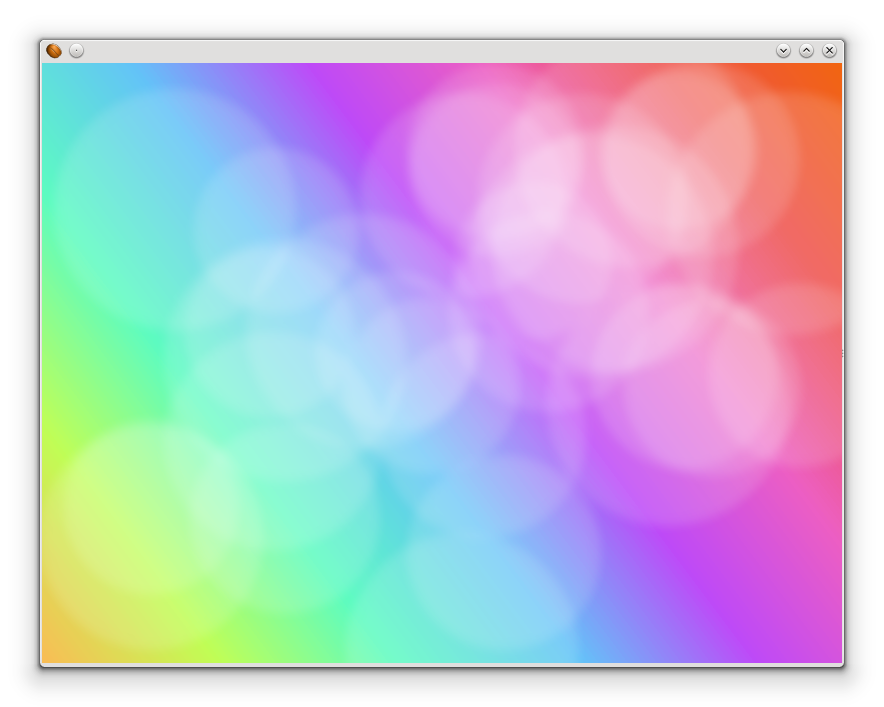
Overlay 混合模式